Category
Custom Report
How to Create a Custom Report
Custom Reports allow you to build your own personalized statistical dashboards by combining the metrics that matter most to your business. With Custom Reports, you can add multiple charts to a single report, providing a comprehensive overview of your key performance indicators (KPIs) at a glance. Plan Availability The number of reports you can create depends on your subscription plan: - Free & Early Stage Plans: Custom Reports are not available. - Growth Plan: Up to 2 reports. - Enterprise Plan:
Chart Types and Options
This guide explains the different types of charts available in Consultation Analytics and the options you can use to customize your view.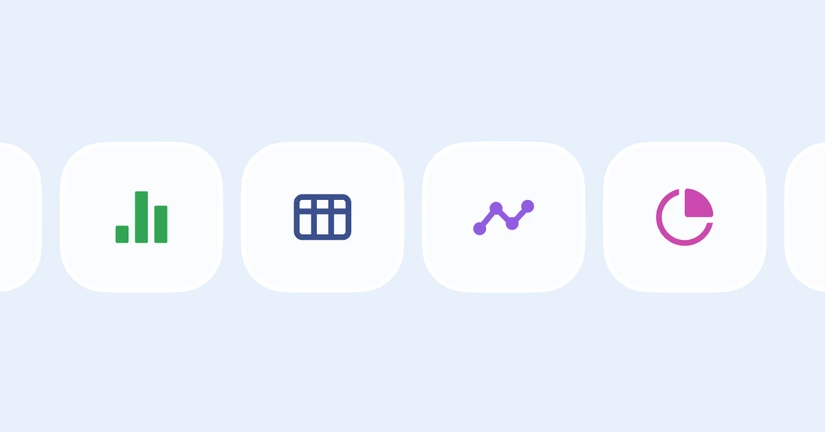
Report Metrics & Filters
Metrics for Charts Information regarding definitions, descriptions, and calculation methods for metrics that can be represented in charts. Category Metric Label Aggregation Basis Description & Calculation Consultation Count Inbound consultations managedAt The number of consultations received during the selected period. Includes messages sent to both ALF and agents. Used to track inquiry volume trends. Consultation Count Consultations with response started firstAnsweredAt The number of consultati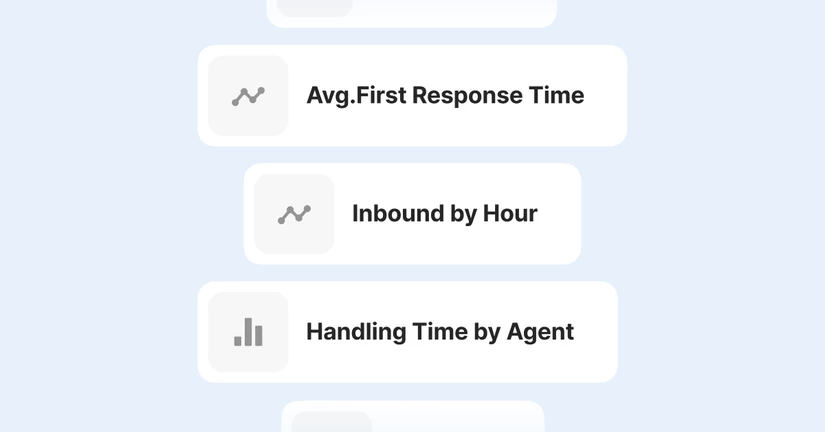
Consultation List by Metric & Download
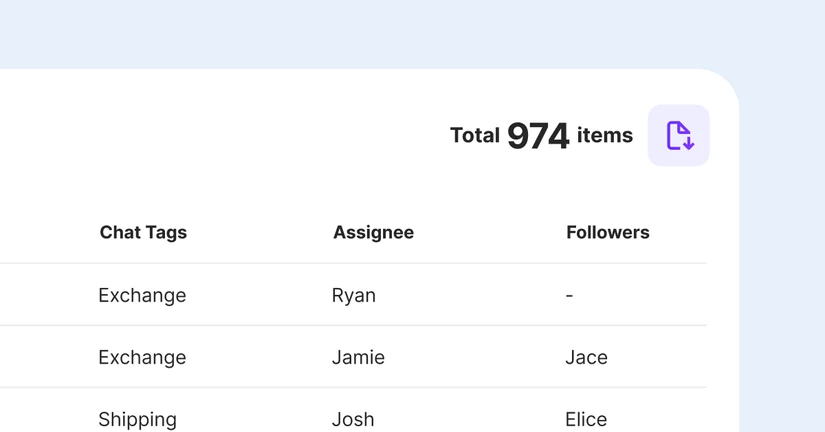
Consultation List In Custom Reports, you can view a detailed list of consultations for each chart. - How to view: Click the [View Consultation List] button on the desired chart. - Settings: You can readjust the period and filters within the consultation list view. - Note: Changing settings in the consultation list does not affect the settings of the main report or chart. - Metric-specific view: If a chart contains multiple metrics, you can view the list for each specific metric. Default informat