Category
How to Set Up
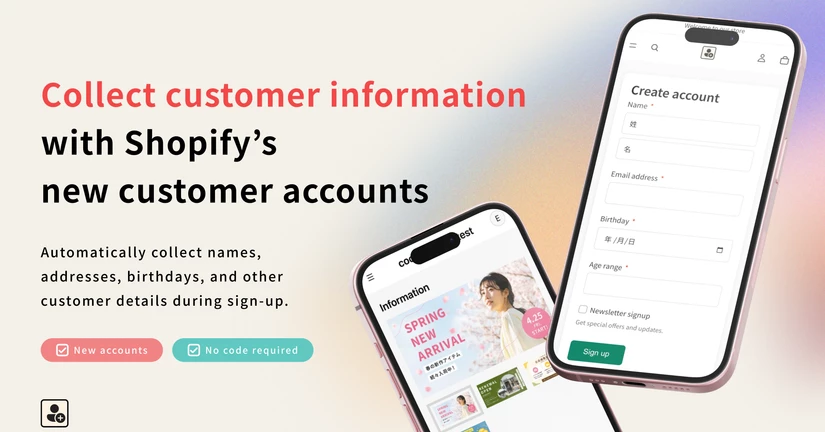
This is the guide for setting up and configuring the Howdy registration form app.
①【Preparation】How to Set Up Customer Metafields
With the Howdy registration form app, in order to collect customer information through the registration form and display that information on the profile page, you first need to set up customer metafields to create a place to store the collected data. This section explains how to set up customer metafields. From the Shopify admin, go to the customer metafield creation screen 1, Click "Settings" at the bottom left of the screen 2, Under "Metafields and metaobjects," select "Customers" 3, Click "Ad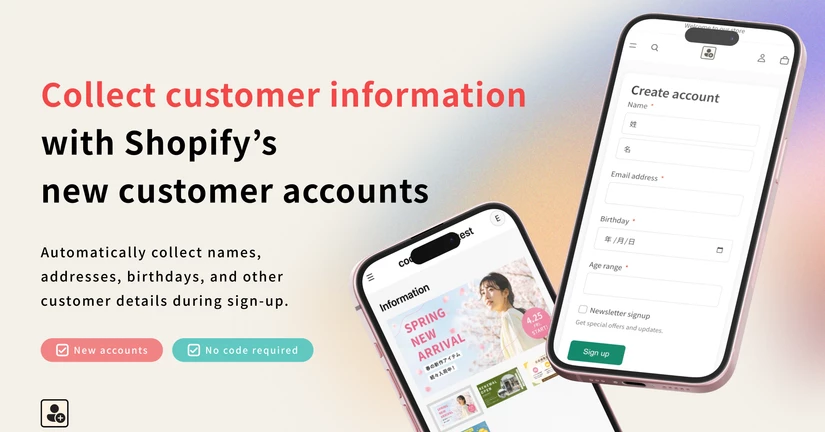
② Initial Setup: Embed the Form in Your Theme
As part of the initial setup, you need to configure the form to be embedded in your theme. In this section, we'll walk through the steps to set up and embed the form in your theme. ①Embed the Form in Your Theme From the app settings, click "Theme Embed" to open the theme customization editor. Enable the app block. If you want the registration form to be displayed before customer login, select the supported theme template. If the display timing is set to after customer login, no theme selection i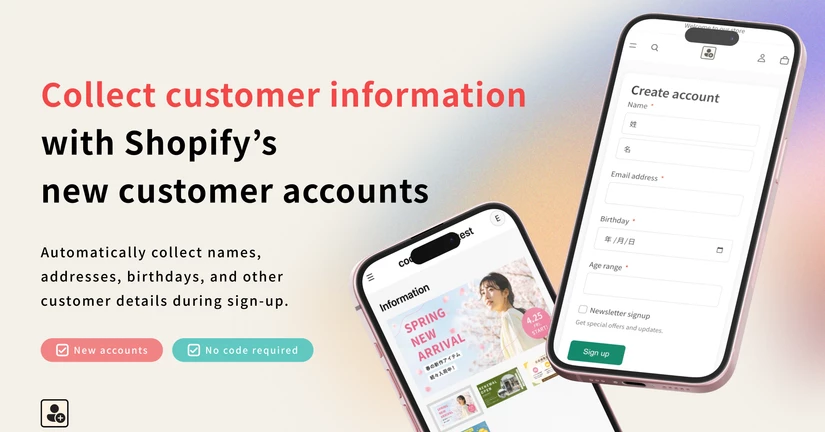
③ Initial Setup: Registration Form Settings
Howdy Customer Registration Form App You can try the app for free on development stores. For stores that are already live, please select a pricing plan before proceeding with the setup. *Before configuring the registration form, you must first create the customer metafields for the customer information you would like to collect. Create customer metafields here: https://docs.channel.io/howdy-app/ja/articles/metafield-setting-a163e4b9 ① Go to the Registration Form Settings Page After installing th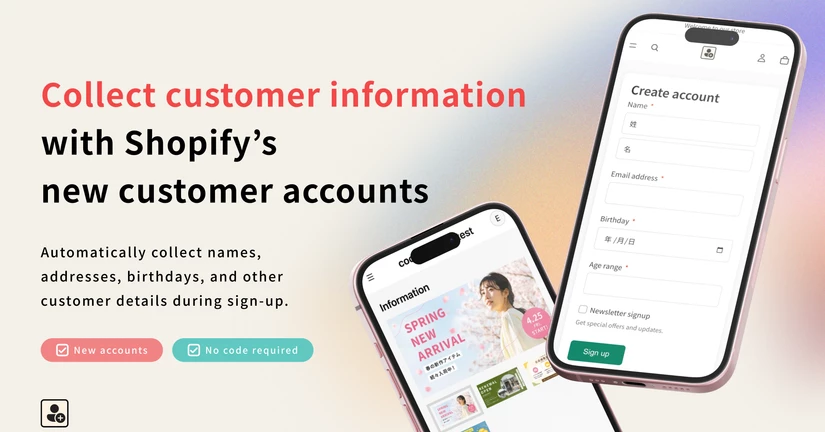
④ Initial Setup: Profile Page
Initial Profile Page Setup for the Howdy Customer Registration Form App You can try the app for free on development stores. For stores that are already live, please select a pricing plan before proceeding with the setup. Before configuring the Profile Page, you must first create the customer metafields for the customer information you would like to collect. Create customer metafields here: https://docs.channel.io/howdy-app/ja/articles/metafield-setting-a163e4b9 ① Create a Block Go to Howdy Profi