Update News
Explore the latest features and improvements introduced in ZEP QUIZ.
Explore the improved settings for Co-op Mode 🤝
Hello from ZEP QUIZ! Co-op Mode now makes it easier to set a goal that suits your class and adjust it during play. 🎯 Set a goal that suits your class Not sure what target score to choose? Check the scoring guide based on the number of students and questions, then choose Easy, Normal, Hard, or Very Hard. You can also enter a score directly or adjust it with the slider. 📍 Before starting → Game Settings, page 2 → Target Score 🔄 Adjust the goal during play If the goal feels too easy or too difficulScattered Quizzes? Organize Them with Folders 📁
Hello, this is the ZEP QUIZ team. Here's our update for the 3rd week of October 2026. 📢 You can create folders in My quizzes. --- Group your quizzes into folders 📁 Keep quizzes together by unit or by lesson order. Go to My quizzes → [New folder], enter a folder name, and your folder is ready. Your folders sit at the top of the My quizzes page, so you can quickly find the quizzes you need before class. Add several quizzes to a folder at once 🗂️ On a folder's page, click [Add quiz] to open your quiClasses got an upgrade! Meet the new Assignments tab, submission status, and more ✨
2026/10/7 Hello from the ZEP QUIZ team. Here are the updates coming in the second week of October 2026. ✨ Your class page is simpler, and you can see at a glance who has taken part in each assignment. 🗂️ Classes are organized into two tabs: [Students] and [Assignments] The separate Quiz, Board, and Material tabs are now combined into a single [Assignments] tab. Click Add assignment and choose a quiz, board, or material to add it to your class. Switch between list view and grid view, search titlesMatch · Ordering, Now Available from the Basic Plan 🧩
Hello, this is the ZEP QUIZ team. Here's an update on the plans that can use these question types. Matching and Ordering questions are now available from the Basic plan.To see what each plan includes, check 👉[here]! --- Two premium question types moved down to the Basic plan Matching and Ordering questions used to require the Pro plan. Now you can create them on the Basic plan as well. If you're already on the Basic plan, they're ready to use right away — no request needed.You can also reopen, e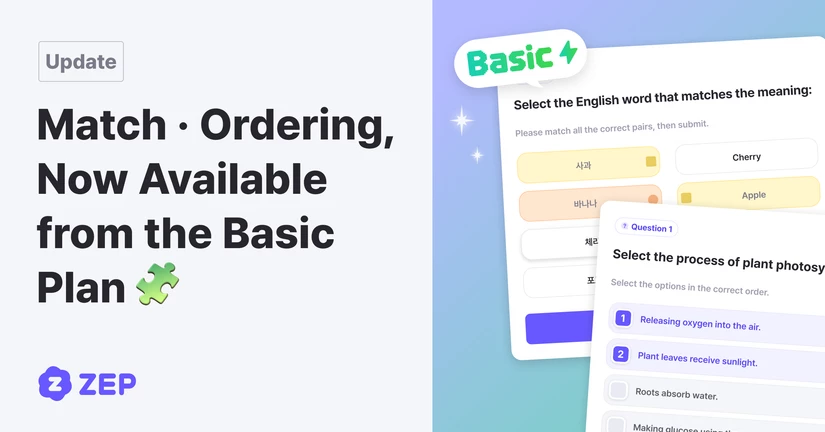
ZEP BOARD Is Officially Live 🎉
Quizzes for focus, boards for sharing ideas!🤝 Team Up, Don't Compete! Co-op Mode Is Here
Meet a new mode where the whole class solves questions together toward one shared goal.Check plans and vouchers in the Plan Management tab ✨
August 21, 2026 Hello from the ZEP QUIZ team. Here are the updates for the 3rd week of August 2026. 📢 The Plan Management tab is now available. You can check your current plan, next plan, and voucher storage all in one place. For plan details, please see the 👉Plan Guide For how to use vouchers, please see the 👉Voucher guide. --- Check your current plan right away 📌 Open the new [Plan Management] tab from your profile menu to see your current plan first. You can see your Free status, and for paid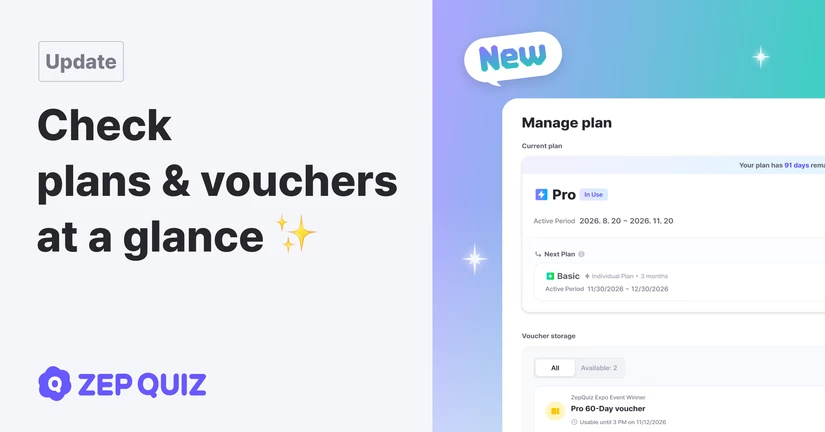
Celebrate your students with Free Zelly during a quiz! 🍬
Hello from the ZEP QUIZ team. Here are the updates for the second week of August 2026. 🍬 Give Zelly to students during a quiz You can now give Zelly to students taking part in your quiz. Celebrate a great presentation, helping a friend, or any moment worth praising. 🎮 Give Zelly right from the participant menu Open the participant menu, choose one or more students, then select a compliment and an amount to give Zelly right away. You can recognize great participation in the moment without leaving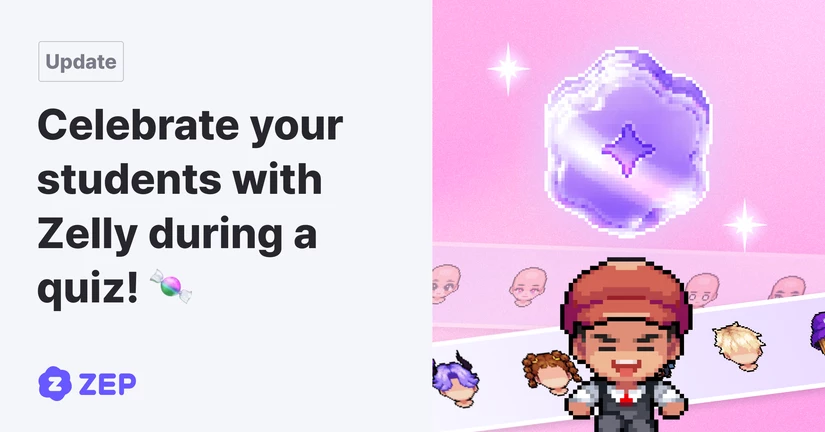
Round-by-round scores, retry settings, and moving to student locations 🎯
2026/8/6 Hello, this is the ZEP QUIZ team. Here are the updates for the second week of August 2026. 📢 You can choose Round-by-round score and Shuffle question order on retry from the in-class settings. See the Round mode guide 👉 here! --- 🏁 Students can start fresh in every round When only cumulative scores are shown throughout a game, early score gaps can feel discouraging for some students. Teachers can now choose how to show the mid-round ranking from Round mode's [Game start] → "Show mid-rou📢 Paste Student Names and Share Class Materials
2026/8/6 Hello, ZEP QUIZ team here. Here are the updates planned for the second week of August 2026. ✨ Managing students and sharing class materials are now simpler. 👥 Paste student names at once Copy several names from a spreadsheet and paste them into Student Management. Review the names, make changes if needed, and save. 📚 Share class materials A Materials tab is now available in your class. Collect links and files in one place and share them with students. Students can check the material det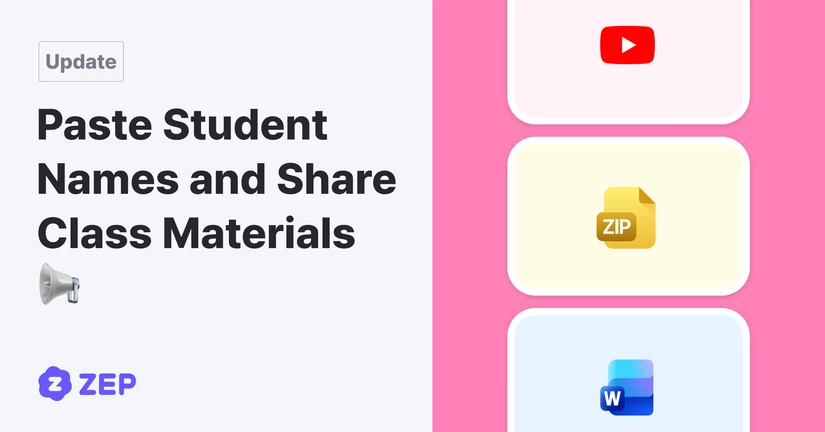
Celebrate Student Growth with Class Zelly 🍮
Hello from the ZEP QUIZ team. We’ve added Class Zelly, a new way to make classroom recognition more fun. Teachers can now give Zelly to students when they want to recognize participation, assignment submissions, presentations, and other positive classroom moments. Students can collect the Zelly they receive, buy avatar items, and customize their profiles in their own style. Want to learn how to use Class Zelly? Check out the Class Zelly Guide for more details. 🏅 Give Zelly to Students Go to the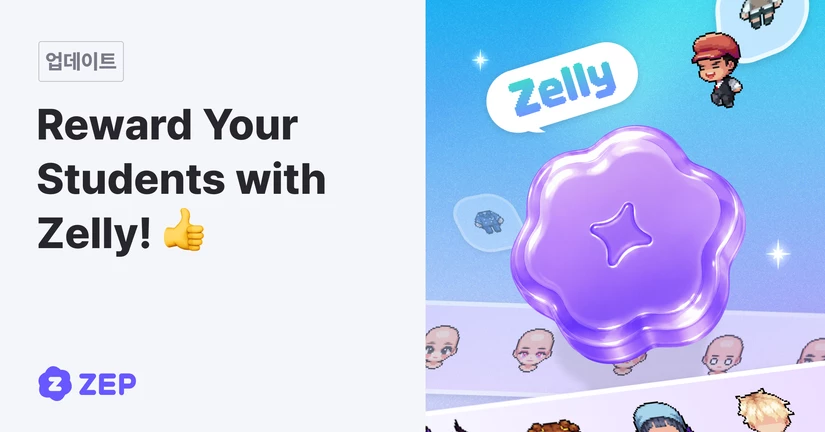
More Flexible Boards, Smoother Mobile Play ✨
Hello, this is the ZEP QUIZ team. Here’s what’s new in the fourth week of July 2026. Create Boards and Quizzes Right from Your Class You can now create boards and quizzes directly from the class page. New boards are linked to the class automatically, so there’s no need to search for them and attach them afterward. Get More Out of ZEP Boards Open and Close Posts and Comments When You Need To Board owners can turn posts and comments on or off separately under [Settings] → ‘Allow Posting’. Keep theYou Decide When to Reveal the Answers 🎯
Hello, this is the ZEP QUIZ team. Here's what's new in the second week of July 2026. 📢 This week brings a bunch of updates, from how answers are revealed to decorating your avatar. New to making quizzes? 👉 Check out this guide to get started! Pick How Answers Get Revealed, 3 Ways The old "show the answer when they get it wrong" setting has grown into three answer-reveal options. Right from the quiz builder, choose between Always show / Show only when wrong / Never show, so you can fine-tune whenNo Sign-Ups Needed! Join Our Class with a Single Code 🎟️
Hi teachers, this is the ZEP QUIZ team. We are excited to share our latest updates for the 4th week of June 2026. 📢 Please Note: Student Codes can only be generated within a Class. For a detailed guide on how to use Classes, please click HERE! 1. Students without emails can now log in instantly via "Student Code" Students who don't have an email account can now join your class without going through any sign-up process. All they need to do is enter the Student Code you provided or scan their pers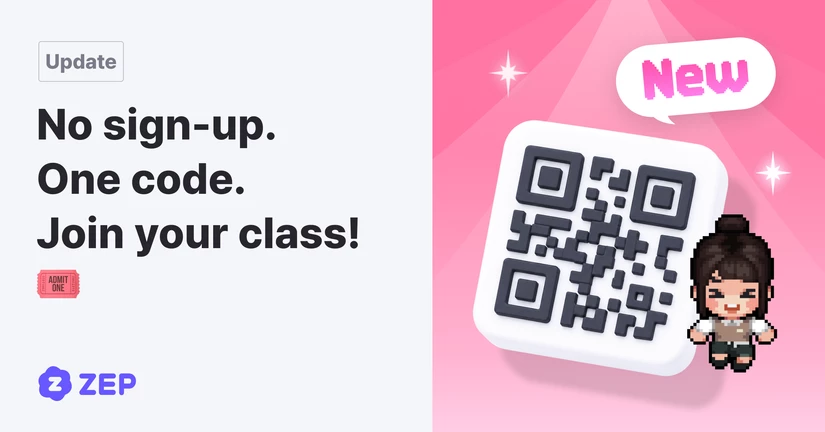
New Feature: 'Class' for Seamless Student Management!
May 29, 2026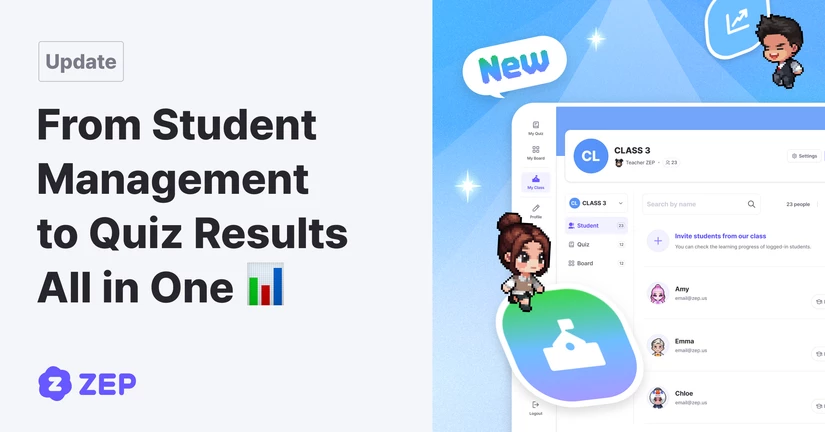
AI Question Generation Improvements
2026/4/27Smarter QUIZ Insights; from Solo to Collaboration Boards 🎮
2026/2/13
Smarter quiz creation, Easier management
2026/2/13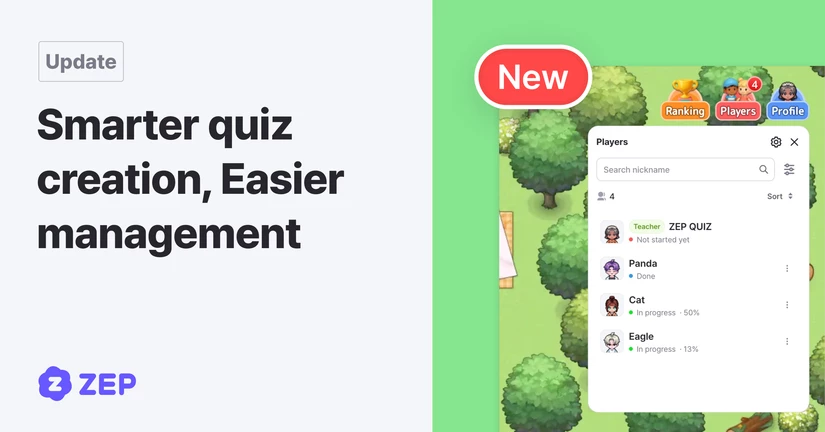
New map! Winter Hanok Village! ❄️
2026/2/6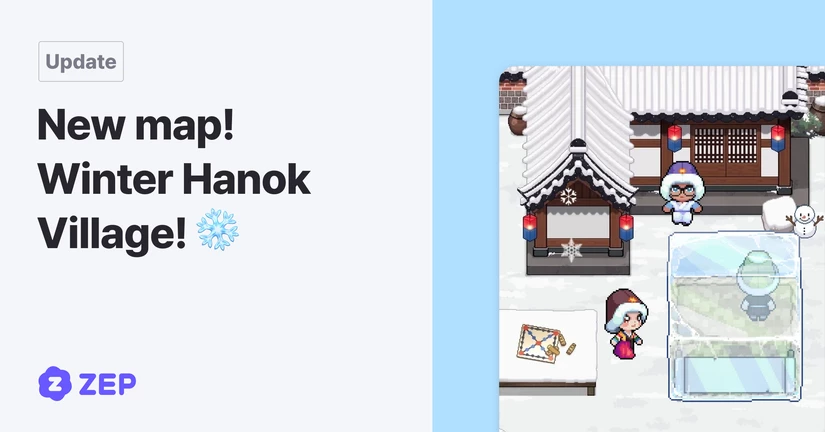
One, two, three—jump! Ski Jump Map Now Open ⛷️
2026/1/30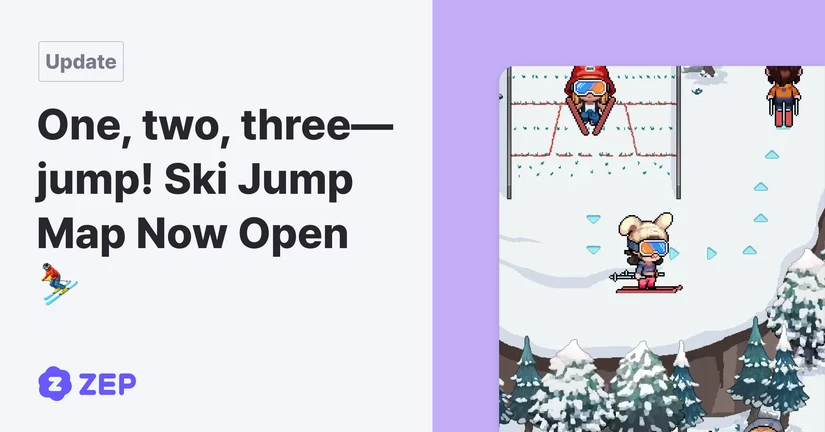
New map! Ice Rink Speed Showdown ⛸️
2026/1/20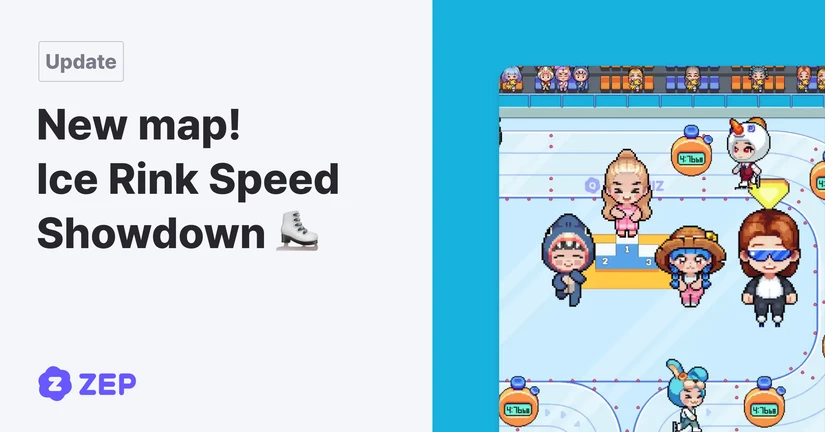
New team match map 'Battle on ice' now open
2026/1/20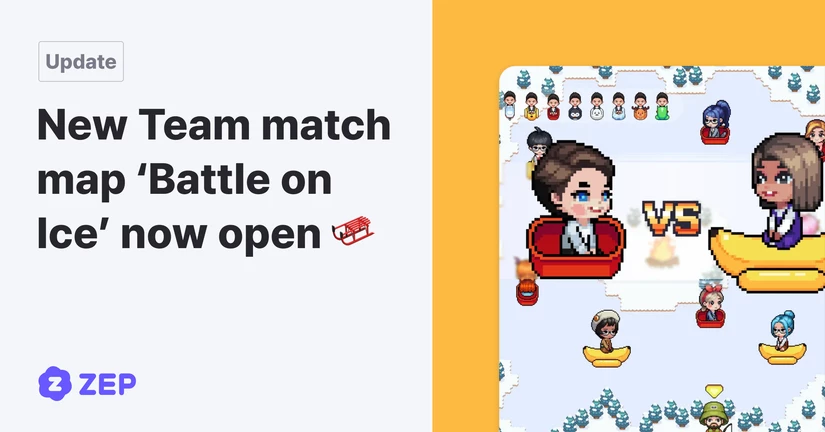
New Winter Map! Sled & dodge snowballs! ⛄️
2026/1/9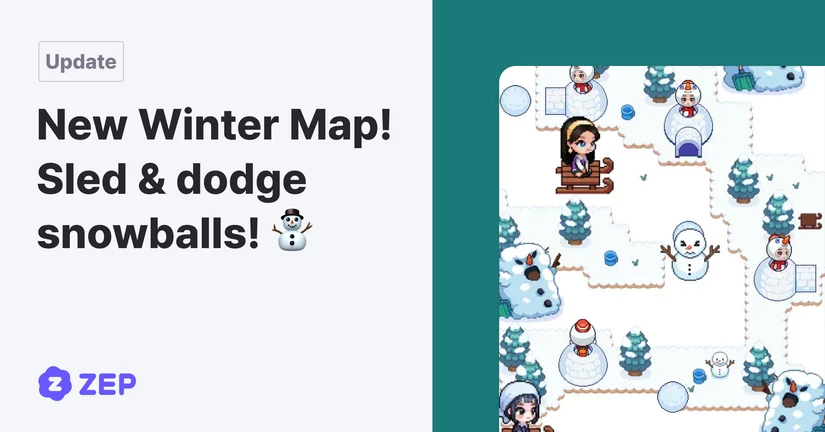
New AI Feature! Create quizzes from YouTube
2025/12/24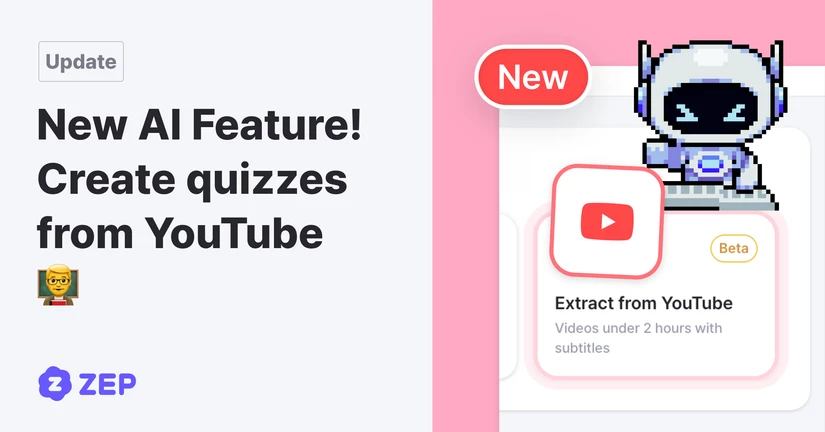
Winter update is here! Embark on a special adventure in “Starlit Christmas” 🎄
2025/12/19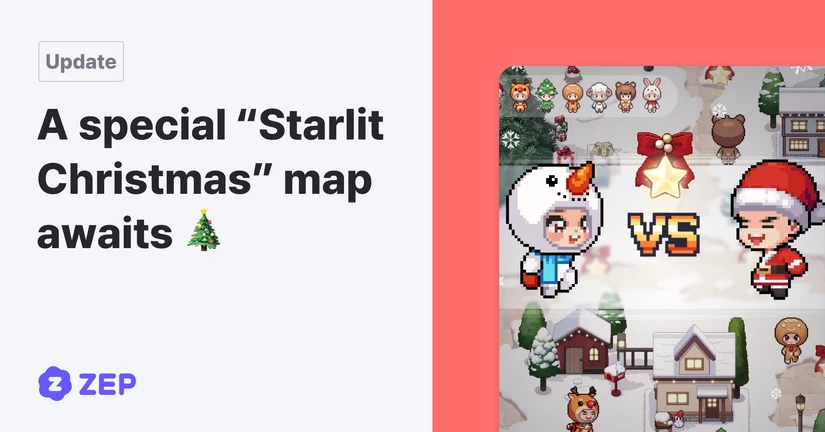
2025 Update News
38 articles
2024 Update News
4 articles